Click to edit
Change headings, text, buttons and images right on the page — what you see is what visitors get.
Features / Build your website
Click any text or image to edit it, drag in ready-made sections, and check the result on desktop, tablet and phone before anyone else sees it.
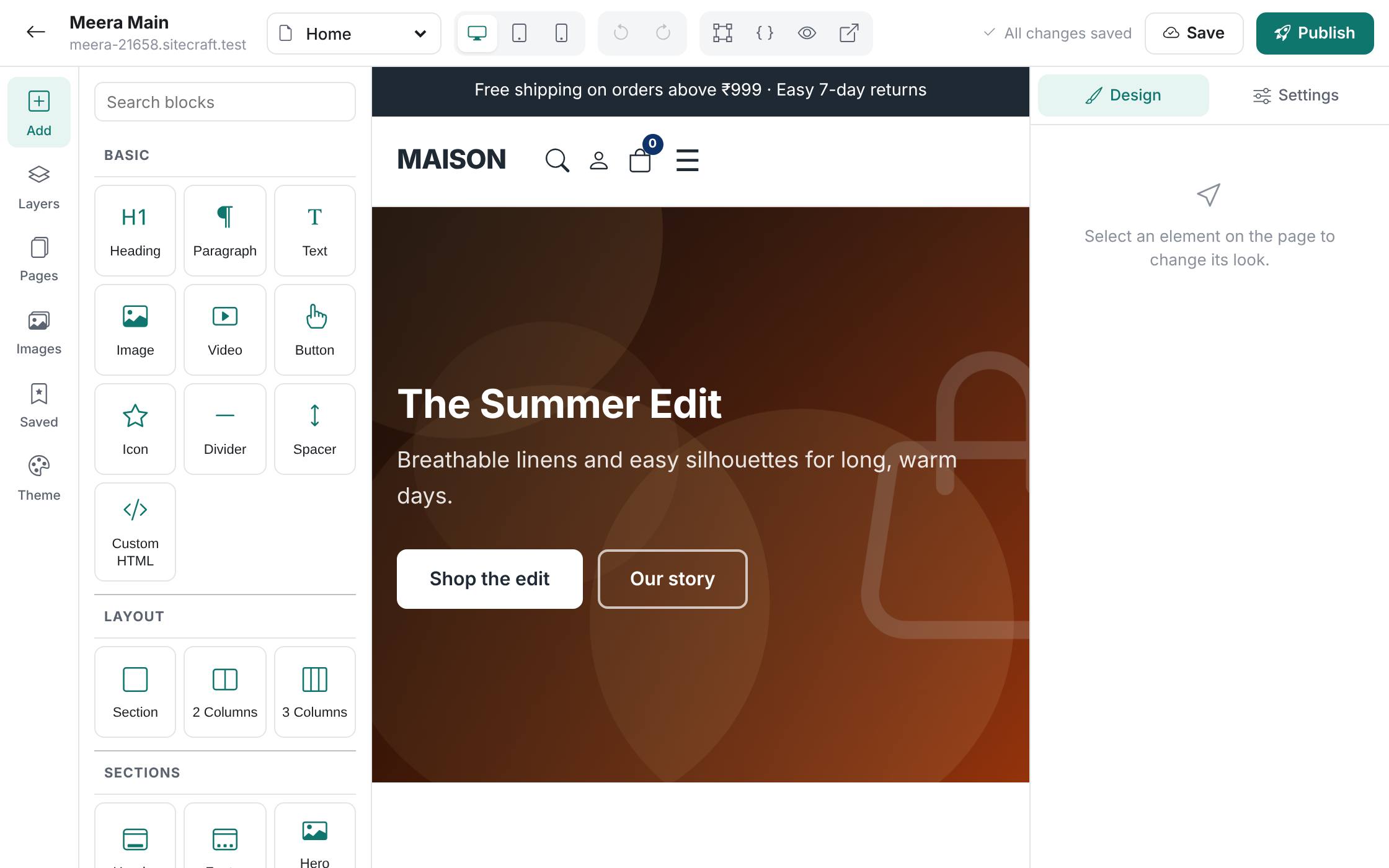
Change headings, text, buttons and images right on the page — what you see is what visitors get.
Banners, galleries, product grids, testimonials, FAQs, maps, videos and contact forms, added with a drag.
Set colours and Google Fonts once and they apply across the whole site.
Made a mess? Undo it, or go back to an earlier saved version of your site.
Start from a design that fits your business, or from a blank page.
Edit text, swap images, rearrange sections and set your colours and fonts.
Press Publish when you are happy. Visitors see the new version straight away.