Draft and live are separate
Your edits stay private until you publish.
Features / Marketing & analytics
Work in a draft that only you can see, preview it on any screen, and publish with one click. Go back to an earlier version any time.
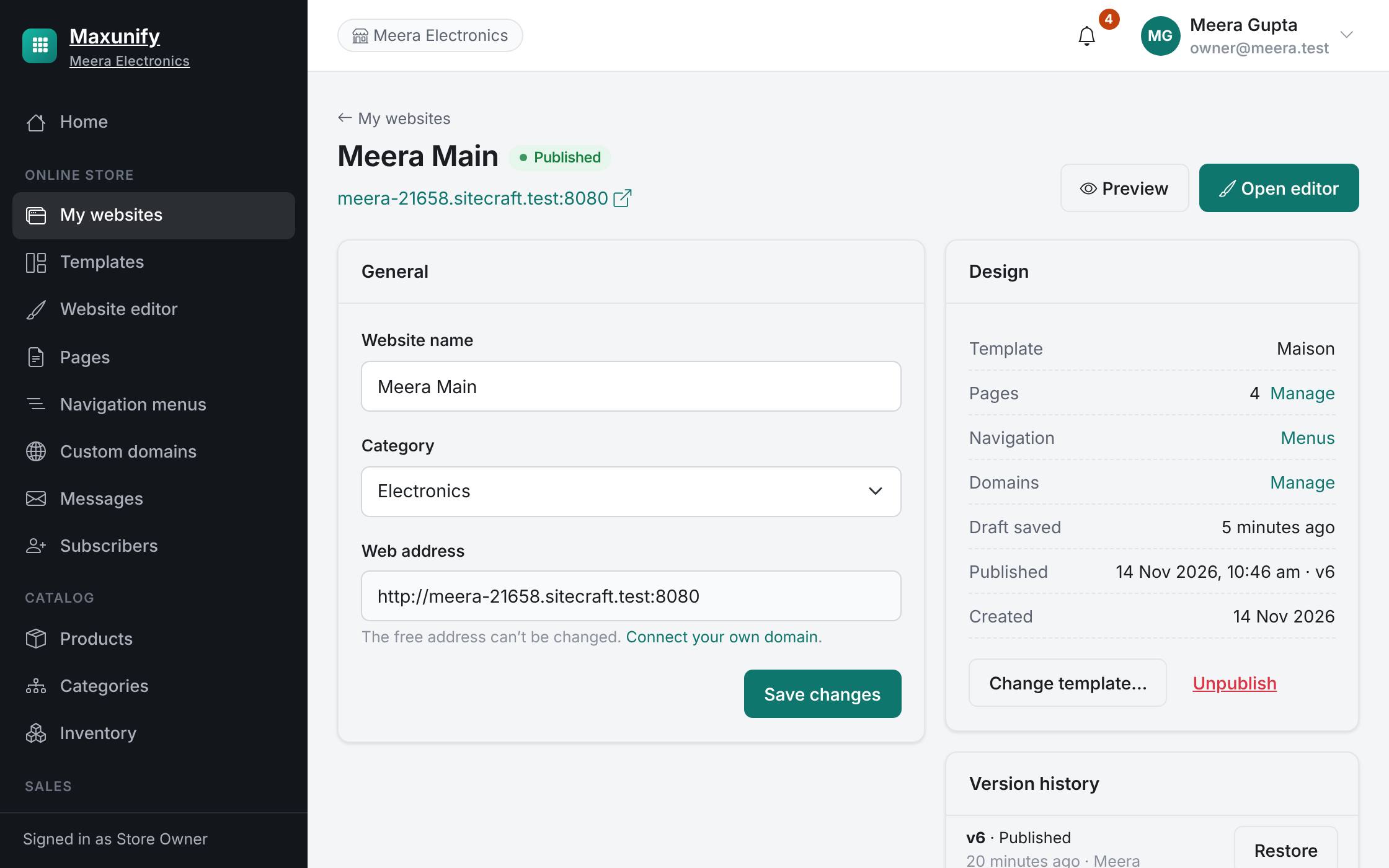
Your edits stay private until you publish.
Check desktop, tablet and phone before you go live.
Every publish is saved; restore an earlier version with one click.
Take the site offline whenever you need to.
Change anything; visitors see nothing yet.
Check every screen size.
One click, and it is live.