One list of orders
Search and filter by status and payment, and open any order for the full picture.
Features / Run your business
See new orders as they arrive, move them through accept, ship and deliver, and never sell something you no longer have.
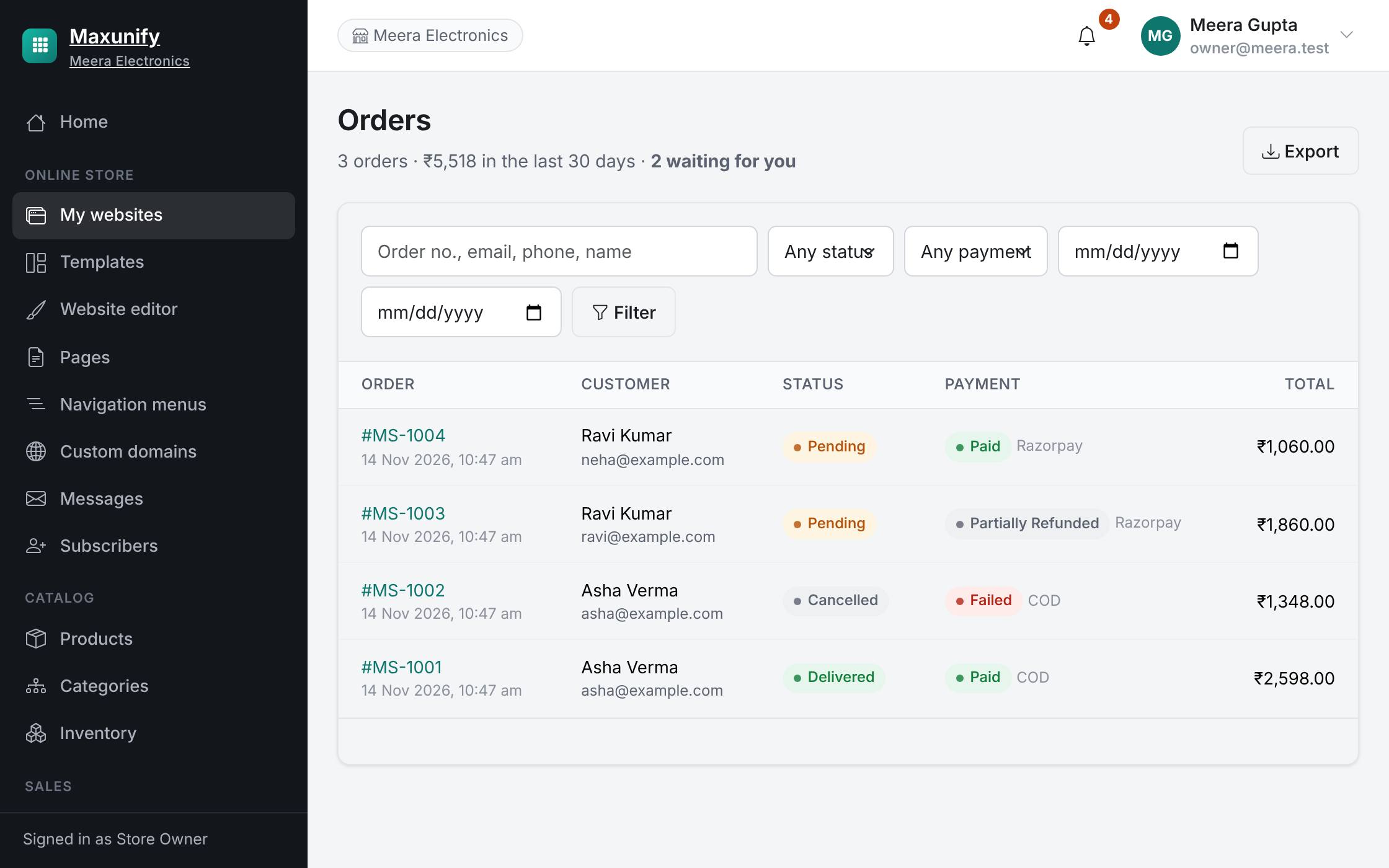
Search and filter by status and payment, and open any order for the full picture.
Accept an order, mark it shipped with a courier and tracking number, and the customer is emailed.
Quantities drop as orders come in, with a full history of every change.
Stock is held while a customer pays and released again if they do not finish.
You get a notification and the order appears in your list.
Accept it, pack it, and add the courier and tracking number.
Quantities update by themselves and every change is recorded.