Order emails
Customers receive confirmations and updates, including tracking details when you ship.
Features / Run your business
Customers get emails as their order moves along, and you get a notification the moment something needs you.
Customers receive confirmations and updates, including tracking details when you ship.
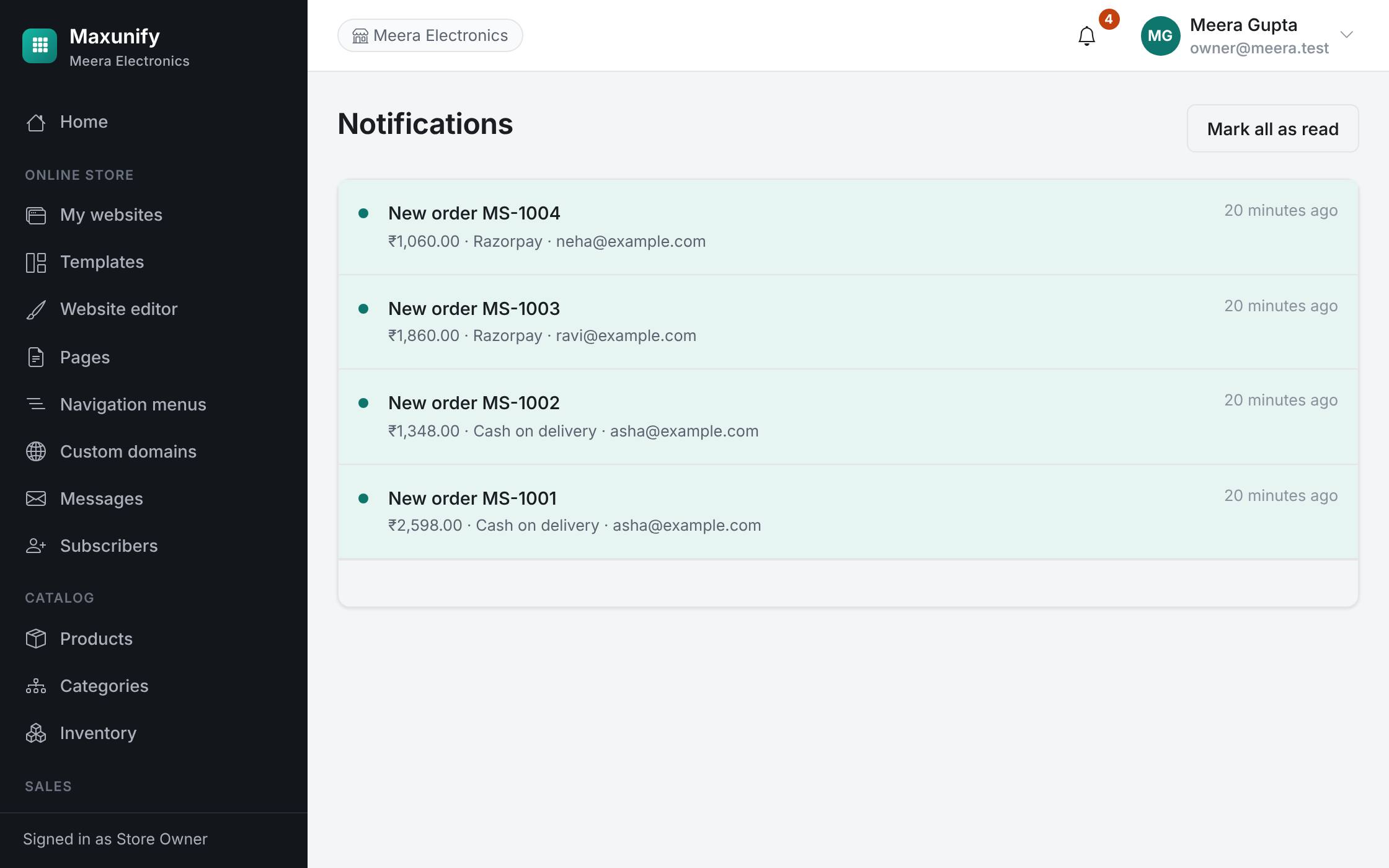
New orders, payments and important changes appear in your notification list.
Contact form messages from your site land in one inbox in your dashboard.
Verification and password-reset emails are sent for you.
A customer orders, pays, or sends a message.
A notification appears in your dashboard.
Your customer gets the matching email.